Guide
How to use Live Better AI
Your first week in 5 steps, then tips by screen.


Your first week in 5 steps
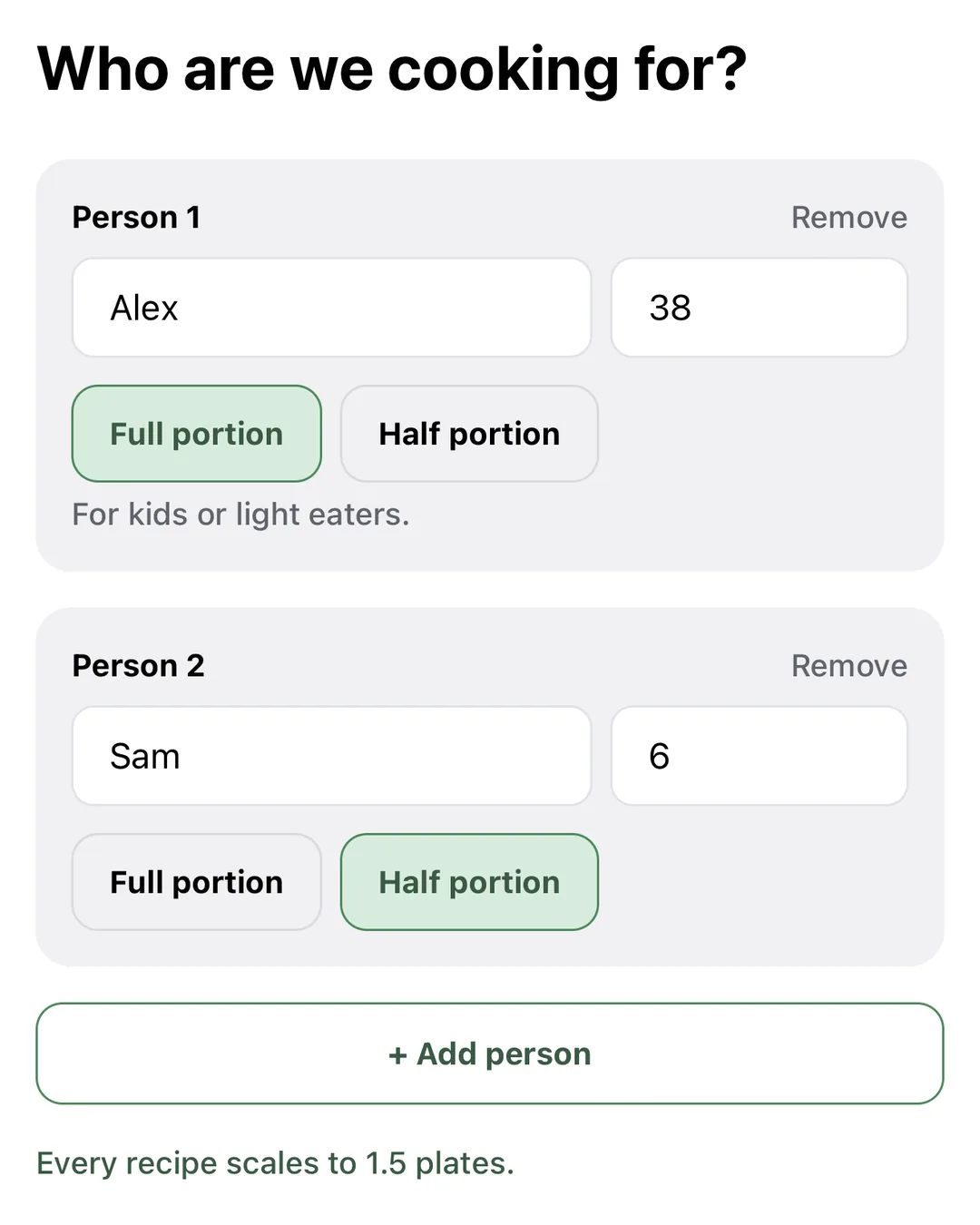
Step 1: Set up
Tell us who eats, then swipe about 10 dishes. We build your first week.
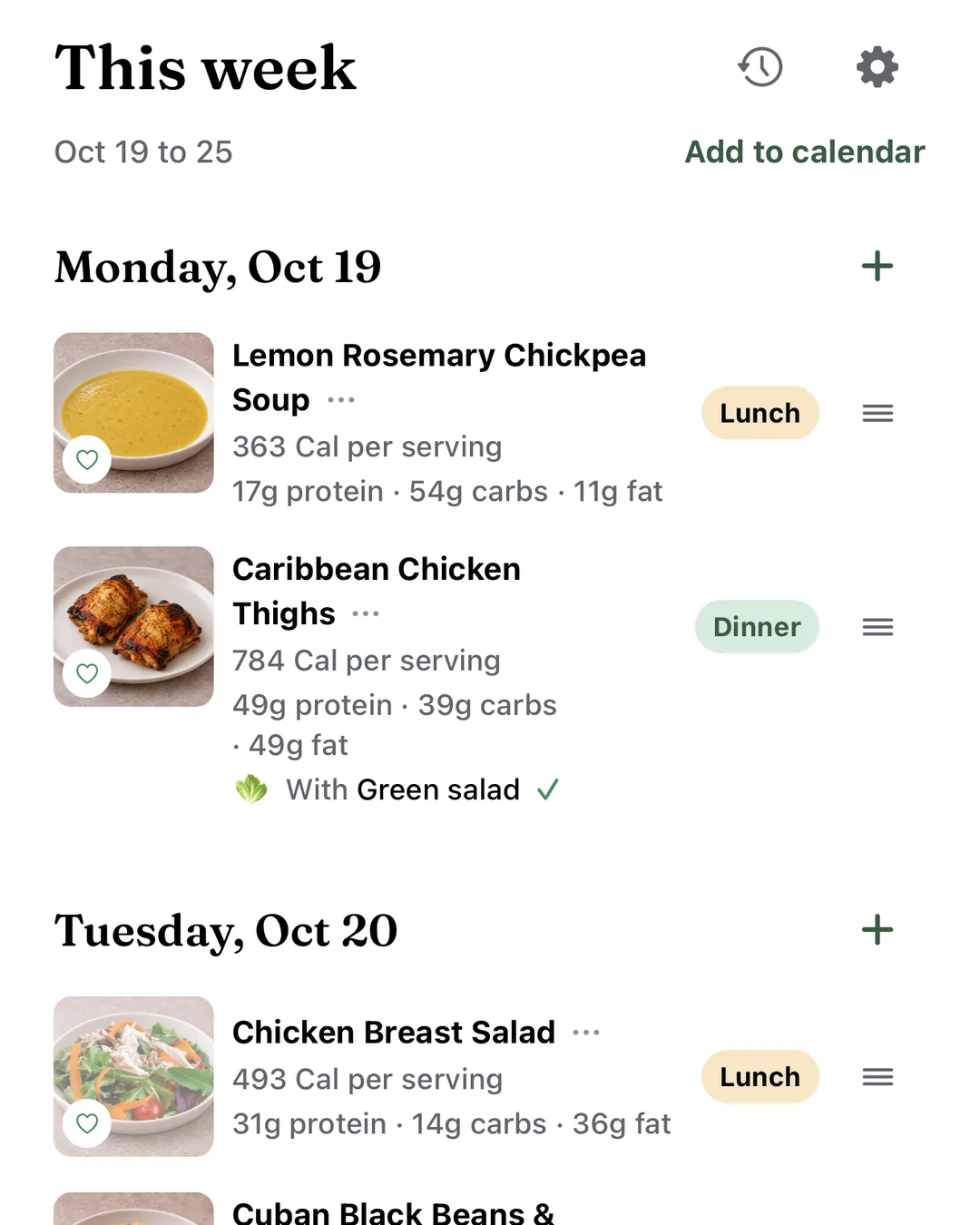
Step 2: Check your week
Swap, move or remove any meal. Your list follows.
Where: This week
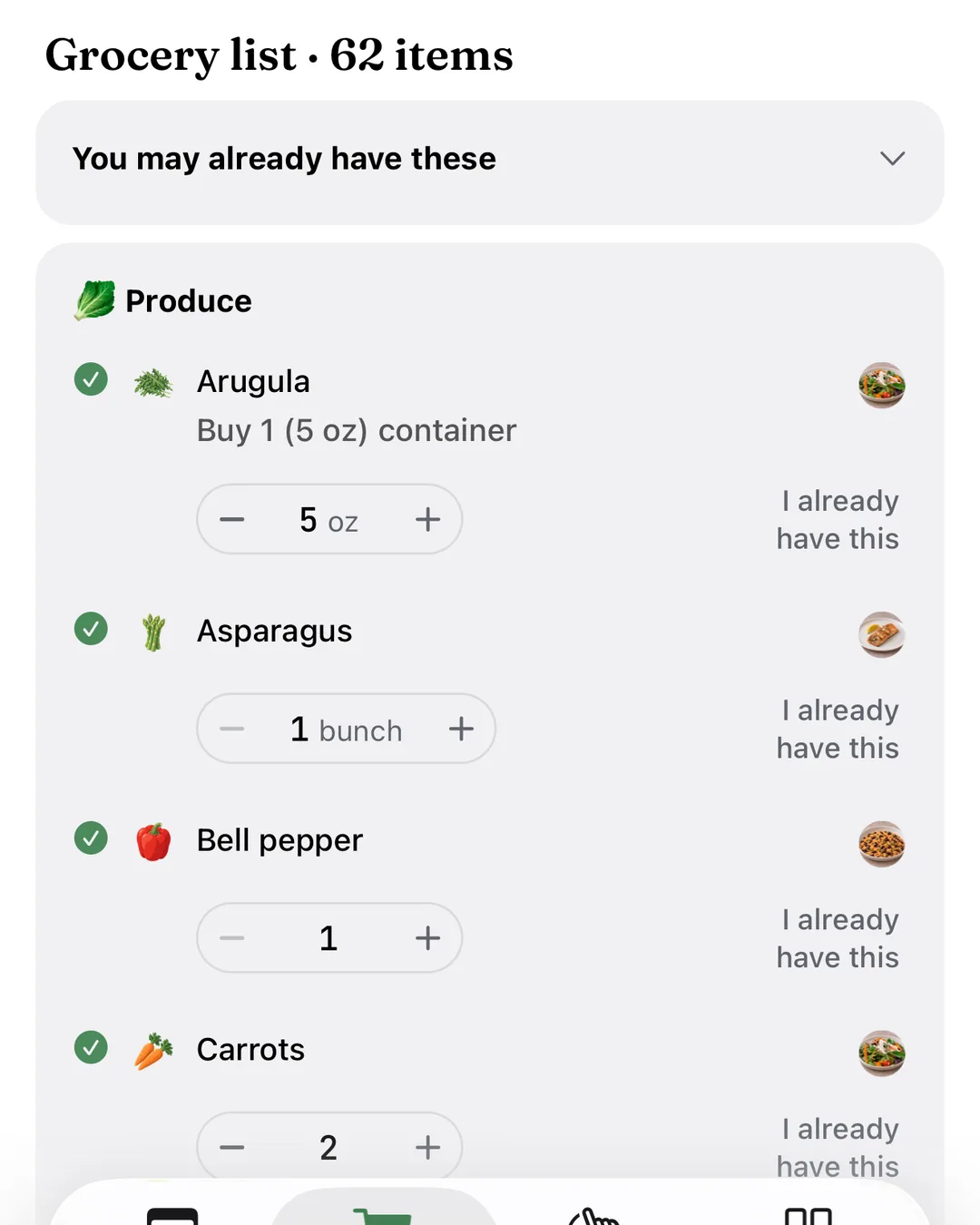
Step 3: Check the list
One list, sorted by aisle. Untick what you have.
Where: Grocery
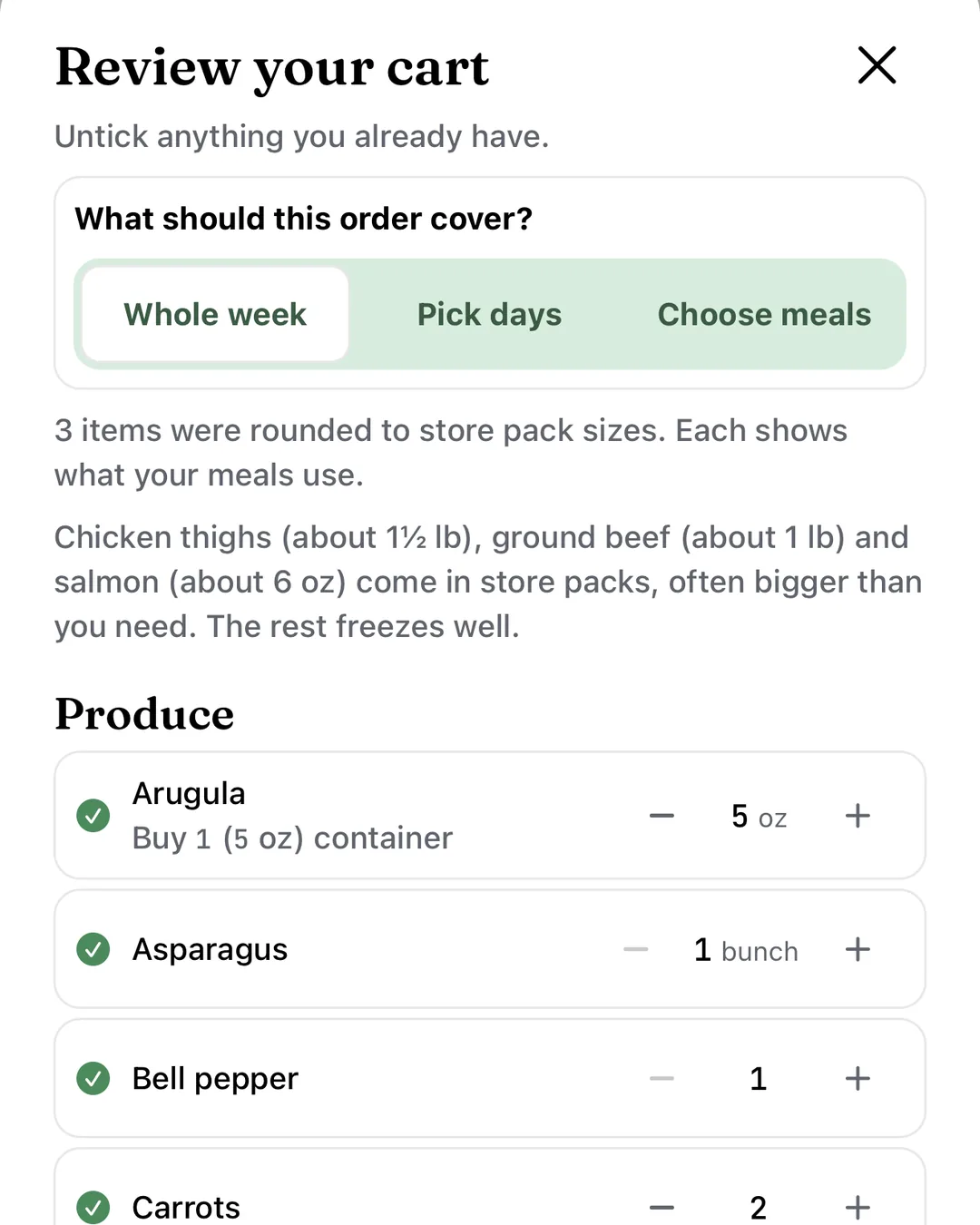
Step 4: Shop
When the list looks right, tap Shop ingredients. You review the cart and finish the order in the Instacart app.
Where: Grocery
We may earn a commission on Instacart orders.
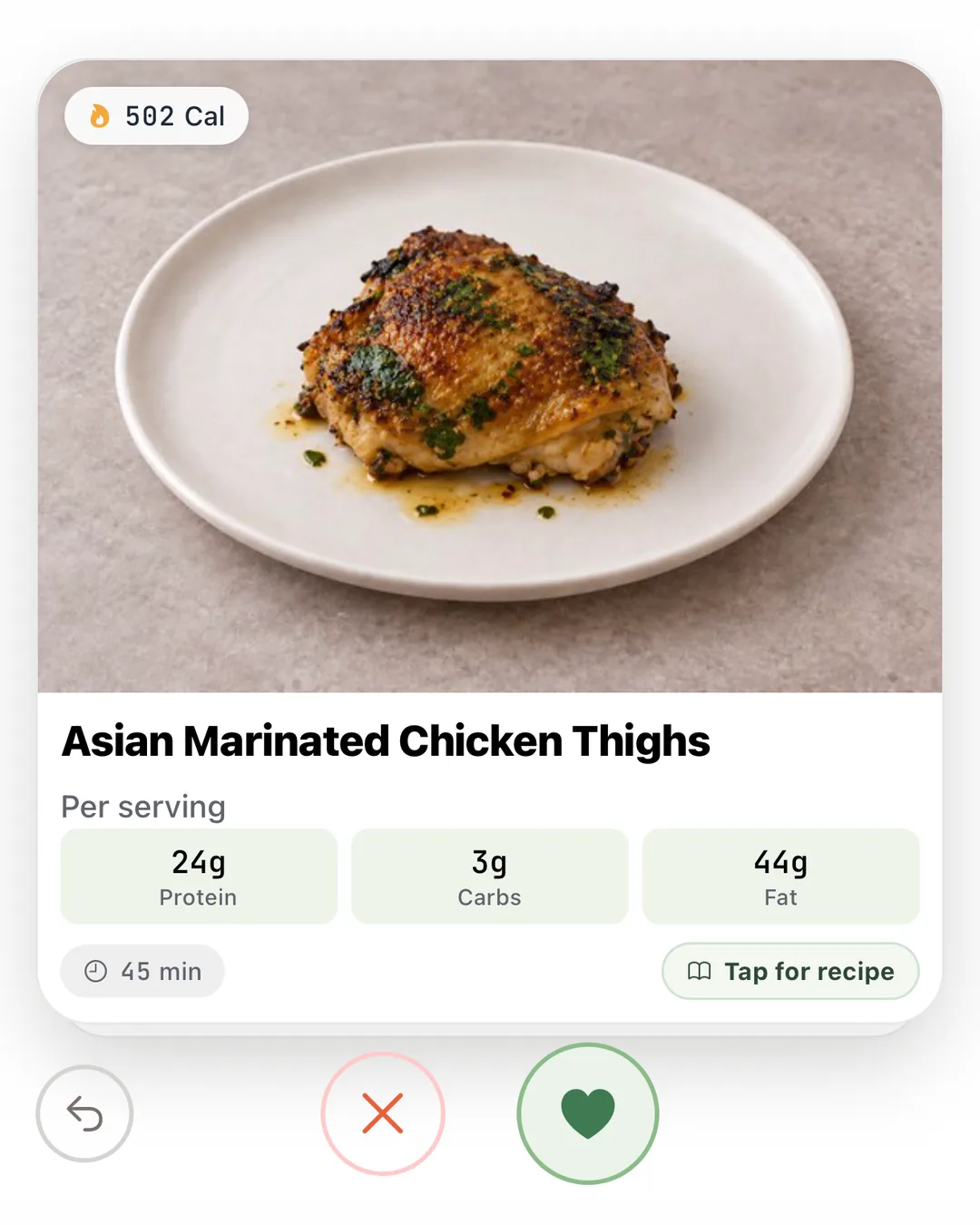
Step 5: Next week
Swipe right on more dishes, then tap Build my week.
Where: Swipe
This week
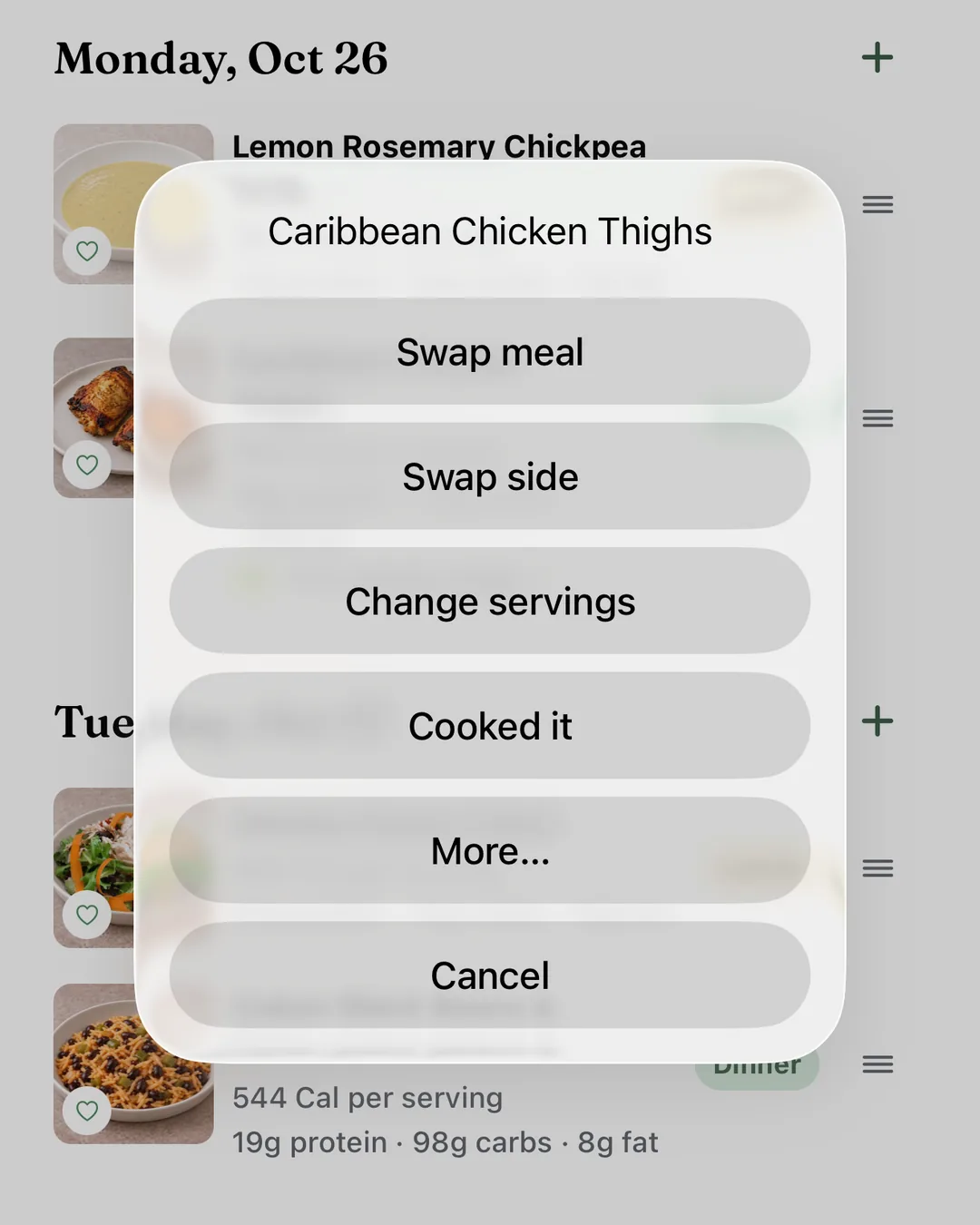
- Swap: swipe through options for that meal.Where: •••, Swap meal
- Move: drag the grip to another day.
- Remove: swipe the row left.
- Add: tap + beside a day, then swipe or tap Pick for me.
- Servings: − and +, halves too. Your list follows.Where: Tap the meal
More tips (7)
- Eating out, or fewer at the table? Use Move or change who eats.Where: •••, More…
- Leftovers follow their original meal.
- On recipes outside your plan, servings only scale.
- Build a new week sits at the bottom.
- Repeat a past week.Where: Clock icon
- Sync your calendar, or add this week once.Where: Add to calendar
- Anyone with your week’s link can see it until you turn it off.Where: Share icon
Grocery
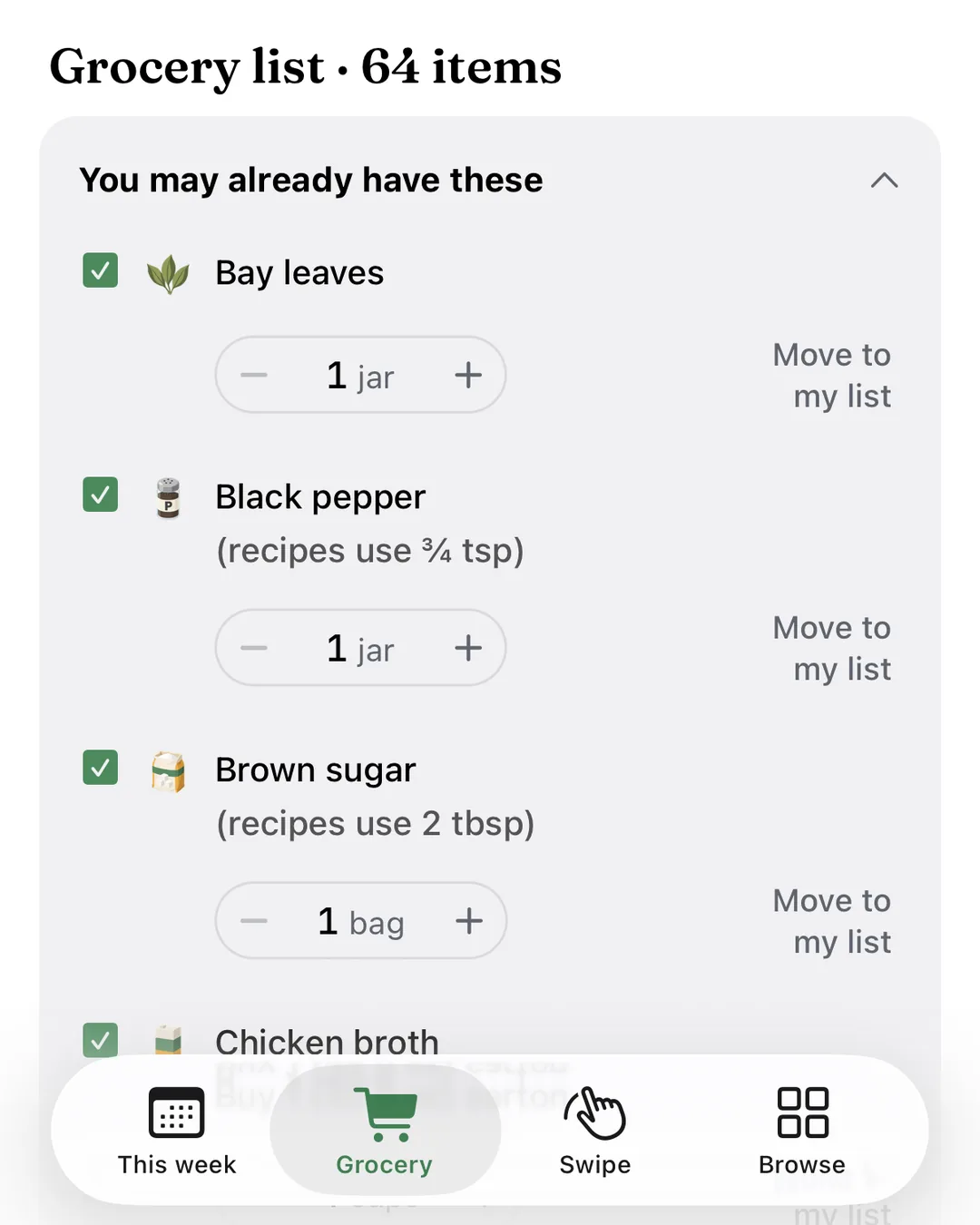
- Use − and +, or tap the number to type an exact amount.
- I already have this moves an item to You may already have these.
- Shop the whole week, pick days, or choose meals.Where: Shop ingredients
- Pantry staples stay off your lists.Where: Settings, Pantry
More tips (6)
- Changed an amount? Reset brings back the recipe amount.
- Items you marked I already have come back unticked next week.
- Smart package rounding buys whole packages of fresh items.Where: Settings, Grocery list
- Shopping preferences are requests, not guarantees.Where: Settings
- Meals you already sent stay off your next list.
- On a recipe, Shop ingredients buys just that meal.
Swipe
- Swipe right to save, left to skip. The arrow undoes.
- Search, or filter by meal, protein, diet and cook time.Where: Filter
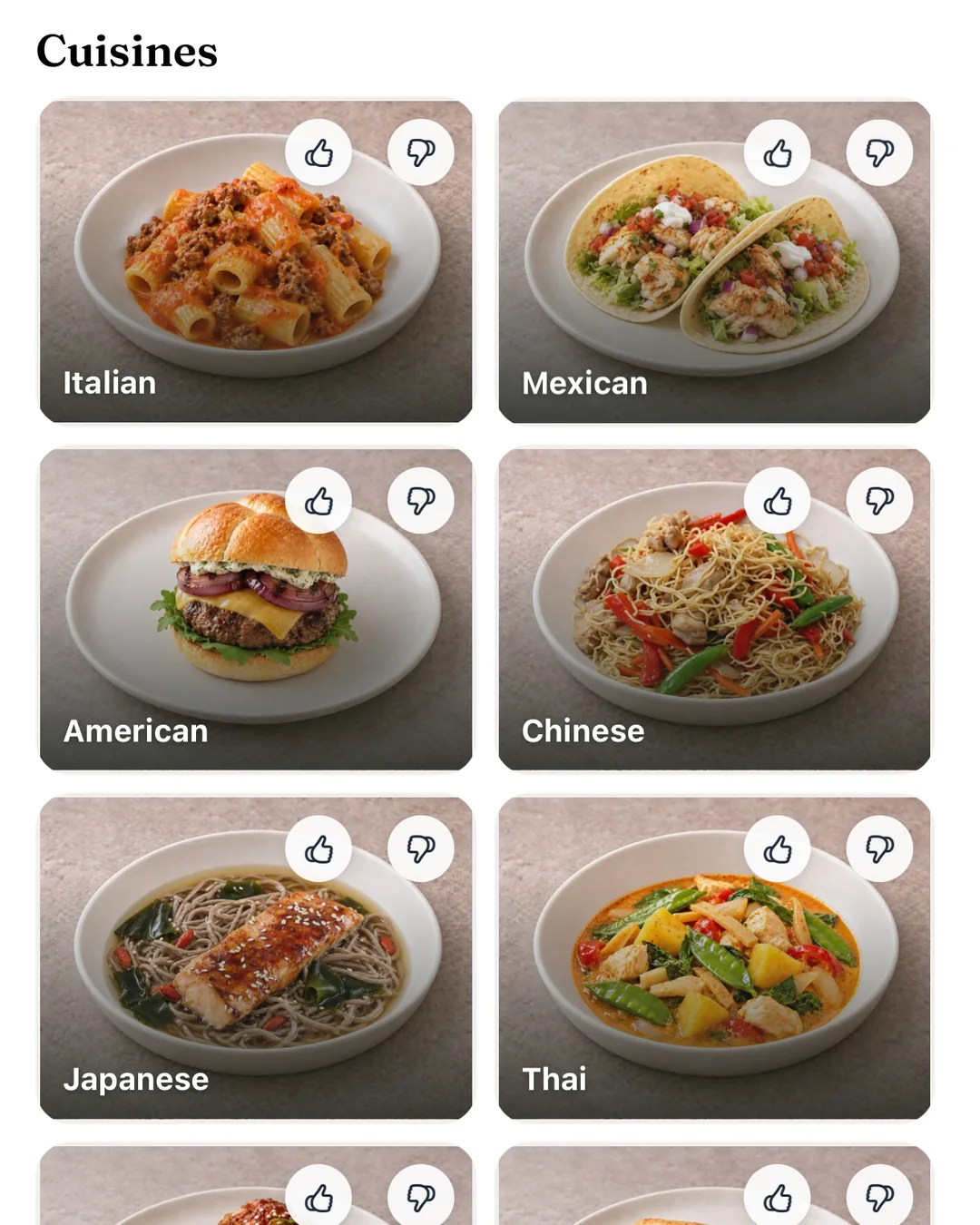
- See what we learned. Thumbs up or down a cuisine.Where: Slider button
More tips (2)
- Mark a protein Never, or add foods you love.Where: Settings, Your taste
- Out of cards? Choose See repeats.
Browse
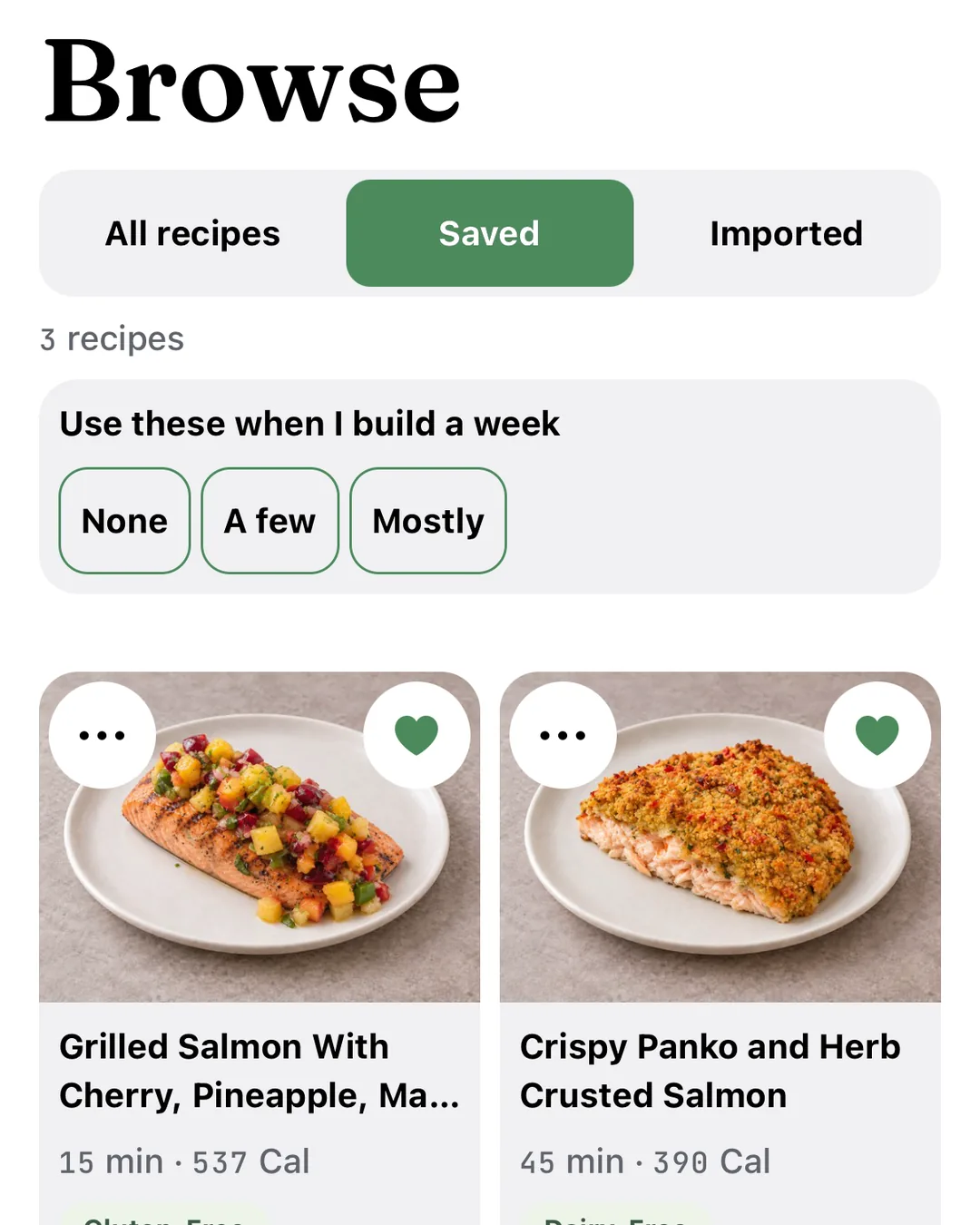
- A heart saves a recipe to Saved.
- Add to my week: pick the week, day and meal.
- Import from a link, a photo or pasted text.Where: Imported, Import a recipe
- Use these when I build a week: None, A few or Mostly.Where: Saved
- Make it a regular: every 1, 2 or 4 weeks.Where: Saved, •••
More tips (3)
- Describe a recipe in your own words. We add nothing you did not say.
- On iPhone, in Safari, TikTok, Instagram or Photos, tap Share and choose Send to Live Better AI.
- Connect Pinterest to bring in whole boards.Where: Settings
Cook
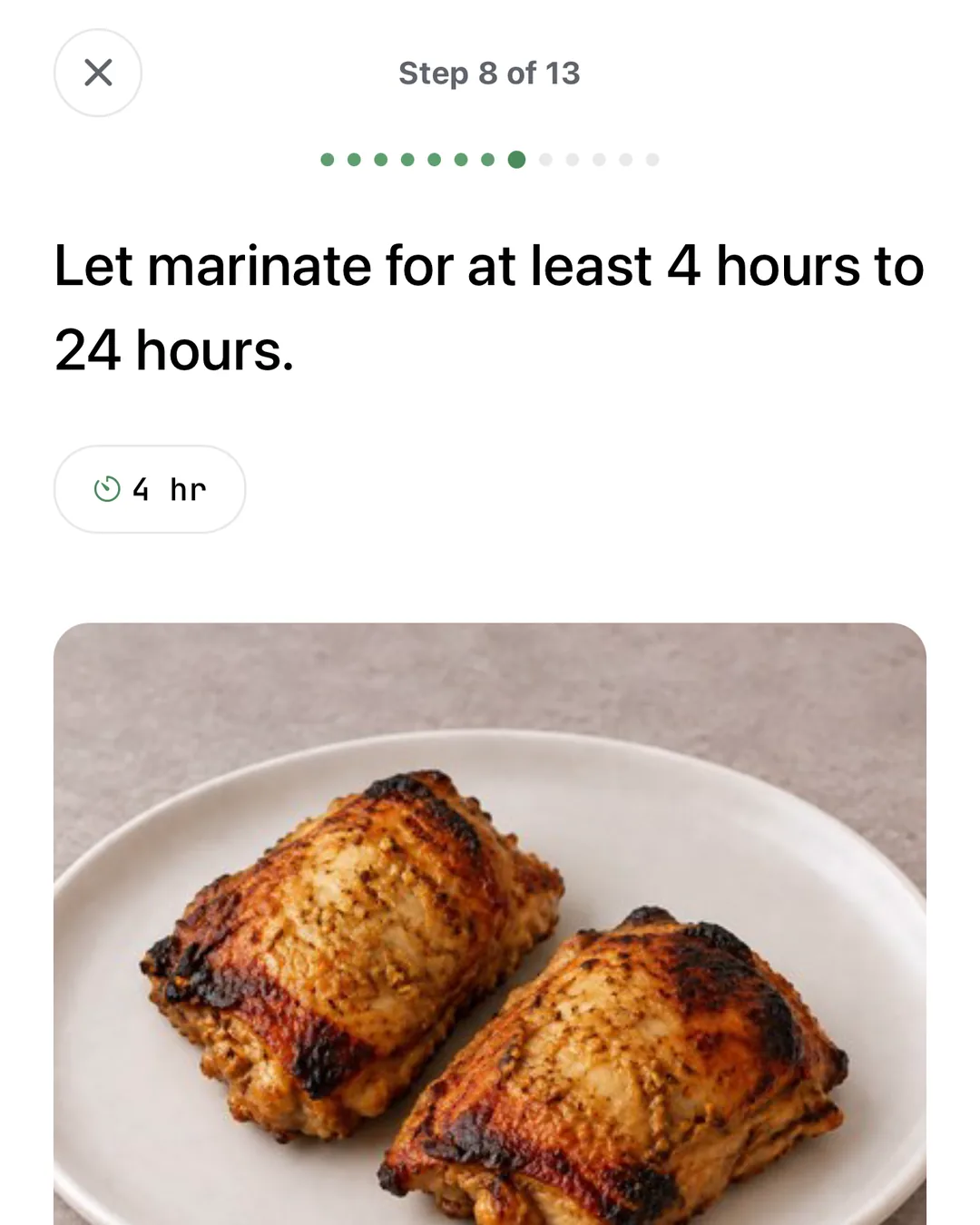
- Start cooking: one step at a time, screen on.Where: Recipe
- Tap a step’s timer to start it.
- Tap an ingredient to check it off.
- The morning after, rate dinner. Five stars saves the recipe.
More tips (3)
- Timer alerts reach you in another app.Where: Settings, Notifications
- My notes are private and save as you type.
- Something off? Report a problem, then swap the recipe there.
Settings
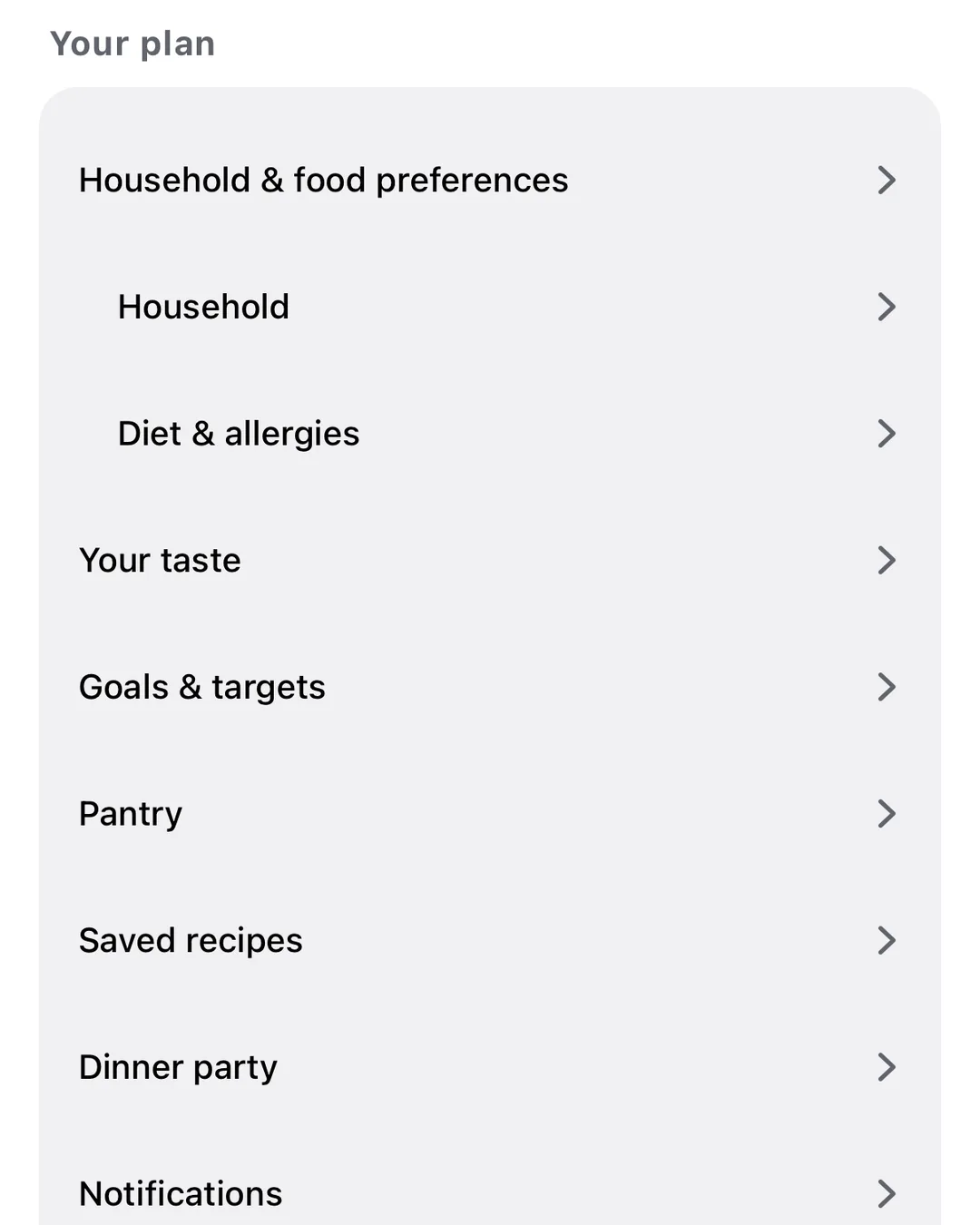
- Open Settings from the gear at the top of This week.
- Change any setup answer.Where: Household & food preferences
- Allergies and foods you avoid stay out of your weeks.Where: Diet & allergies
- Daily calorie and protein targets per person. They are planning estimates, not medical advice.Where: Goals & targets
- Write to us from Help & contact.Where: Help
More tips (3)
- Anyone can be a half portion.Where: Household
- Pick the sides we add, or turn them off.Where: Sides
- Dinner party: pick guests and a theme, then swipe each course.Where: Dinner party
On the web
- Sign in to use the same weeks and list.
- Only on the web: log weigh-ins and what you bought, and print the list.
- Only in the app: importing from the Share button.
- On a computer, timers can ping another tab. Choose Enable at your first timer.
More tips (1)
- More… on a meal holds Move to another day, Who’s eating, Eating out and Skip this meal.