
 334 kcalHigh protein
Shrimp & Asparagus Foil Packs
drag a card · or tap the buttons
Live Better AI is a meal planning app on the web, on iPhone, and in open beta testing on Google Play. It is free, with no subscription, no trial and no card.
Swipe on dishes you like and we plan your week around them, with one grocery list for every meal. Instacart checkout is US only.
See how it worksFree. No subscription. You pay only for your groceries and any checkout fees.
Take your plan into the kitchen.









How it works
From one good dish to a whole week.
- 01
Swipe what looks good
Choose the dishes you would eat. Your swipes tell the planner what belongs in your week.
- 02
Get a week
Build a plan around your household, your schedule, and the meals you want to cook.
- 03
One grocery list
Ingredients from the whole week come together in one list. Leave off what you already have.
- 04
Order through Instacart
Send the list to Instacart and choose your store on the Instacart service. Review the cart and finish your order there.
Watch it work
See a week come together.
Swipe a few dishes, build the week, change a recipe’s servings, and check the grocery list. The captions are on the video, so no sound is needed.
Shown on iPhone with an example household.
Read the words in the video
- Swipe right on dishes you like. Left to skip.
- Tap Build my week.
- Your week is planned around your swipes.
- Every meal, day by day.
- Tap a meal for the recipe.
- Change servings. The amounts update.
- One grocery list for the whole week.
- Store sizes, plus what each meal uses.
- Already have it? Leave it off.
- Then shop the list on Instacart.
- Live Better AI. Free meal planning. No subscription.
- We may earn a commission when you order groceries through Instacart.
The list follows the week.
Move or swap a meal, then shop the ingredients you need. You stay in control of what goes to Instacart.
More ways to make it yours
Your recipes and your schedule belong in the plan.



Bring a recipe from Pinterest
Save a recipe you found on Pinterest to your cookbook and use it when you plan a week.
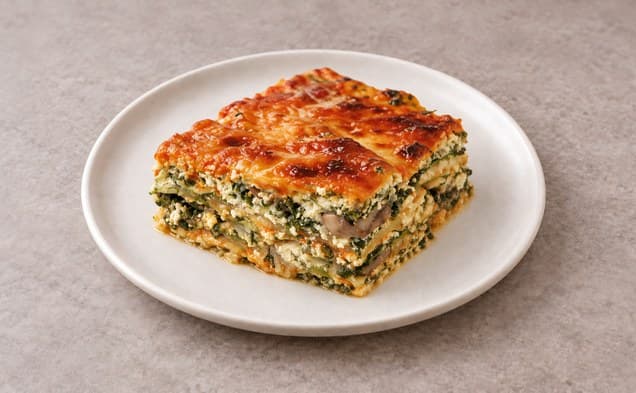
Snap a cookbook page
Photograph a cookbook page or recipe card to add the recipe to your cookbook.

 Shared week
Share your week
Send a link to your plan so someone else can see what is on the menu.
Add a photo to your recipe
Make a photo for a recipe you imported, or use a photo of the dish you made.
Put meals on your calendar
Add the meals in your week to your calendar at the meal times you set.
Plan for each person
Set allergies for each person in your household. The planner uses them when choosing meals.
Share a recipe into the appiPhone app
Use Share from TikTok, Instagram, YouTube, Facebook, or a recipe website to import a recipe into the app.
Keep a cook timer in viewiPhone app
Follow a running cook timer on your Lock Screen and in the Dynamic Island on supported iPhone models.

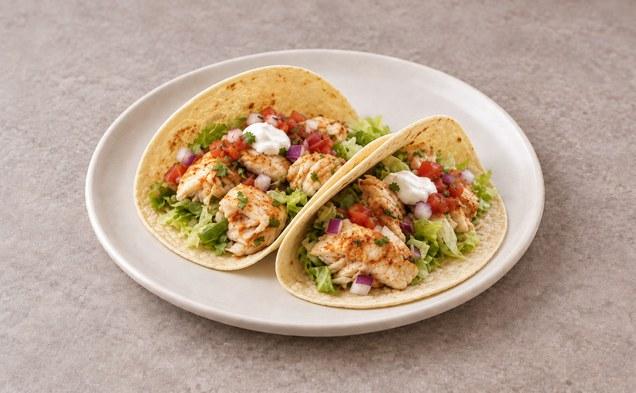
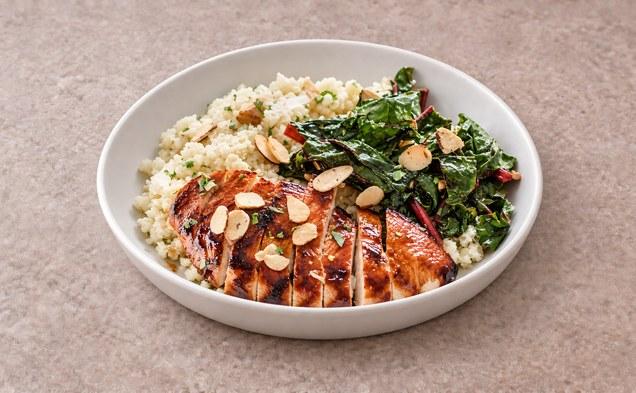

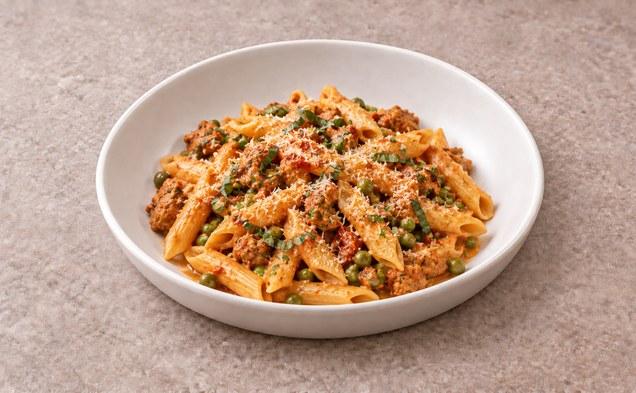
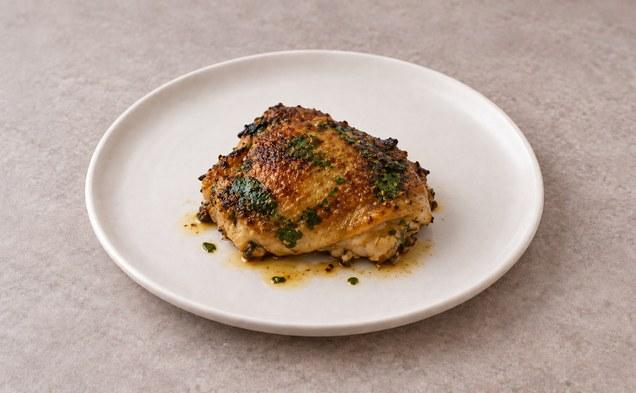
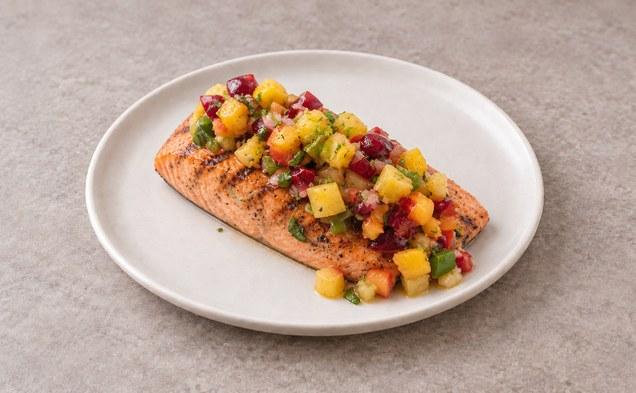

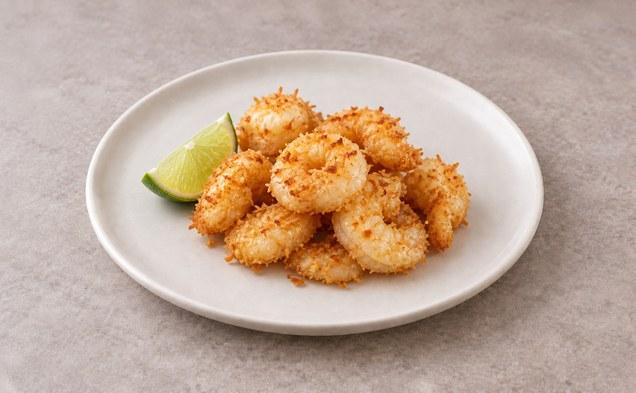
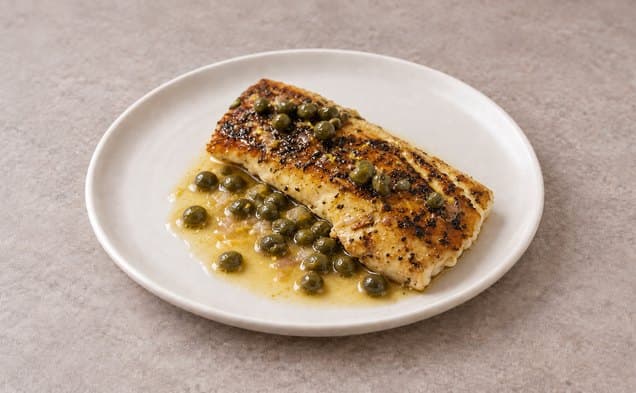
Browse all recipes, saved recipes, and imported recipes in the app. See the recipe library.
Recipes and photos by Live Better AI.
Pricing
Free to use. No subscription.
Planning, swaps, recipes and the grocery list are free to use. There is no card to add.
See full pricingLive Better AI
Free
- Build weeks from the meals you like
- One grocery list for each week
- No subscription, no card
Comparing meal planning apps?
We keep dated comparisons of meal planning apps. We make Live Better AI, one of the apps listed.
FAQ
A few things to know.
Is Live Better AI free?
Live Better AI is free to use. There is no subscription and no card to add. You pay only for your groceries and any checkout fees.
Can I change a meal after my week is built?
Yes. Swap a meal and the grocery list updates with it. You can also add a saved or imported recipe to your week. The guide shows everything you can change.
Do I have to order groceries?
No. You can use the grocery list on its own. If you send it to Instacart, you review and finish the order on the Instacart service.
Where do the recipes come from?
Every recipe is a real one, never invented by AI. The recipes are written and maintained by us, and many are adapted from published or public-domain recipes, with the source credited on the recipe page.
Where do my targets come from?
The app uses the Mifflin-St Jeor equation to calculate calorie and macro targets from the details you give it. You can see how your targets were calculated in the app.
Switching from Mealime? See how Live Better AI can take over your meal planning, or compare Mealime alternatives.
Free to use
What’s for dinner this week?
Swipe on dishes you like and we build a week of meals for everyone at your table, with one grocery list for all of it.
Free. No subscription.